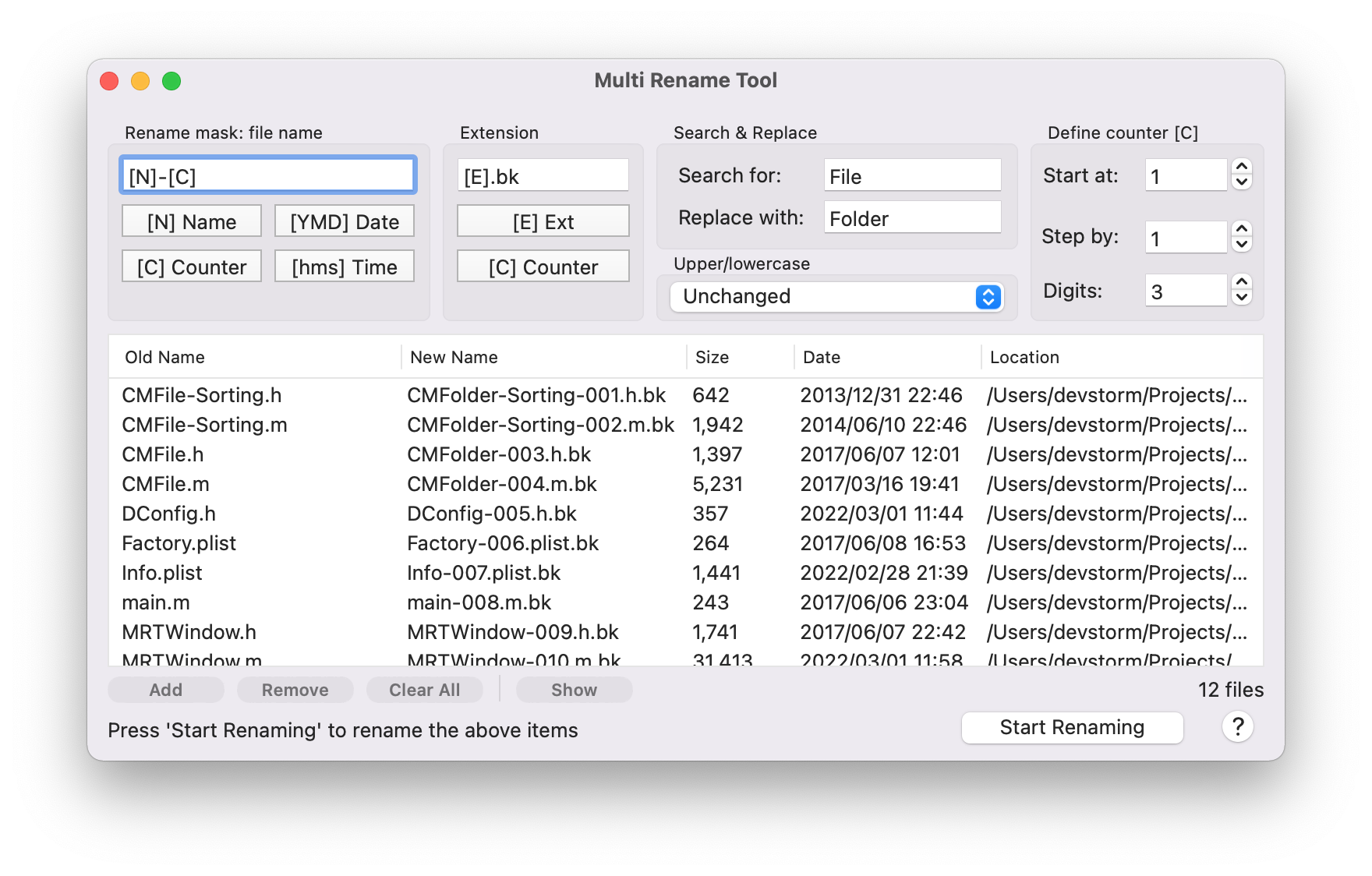
DCommander Mac

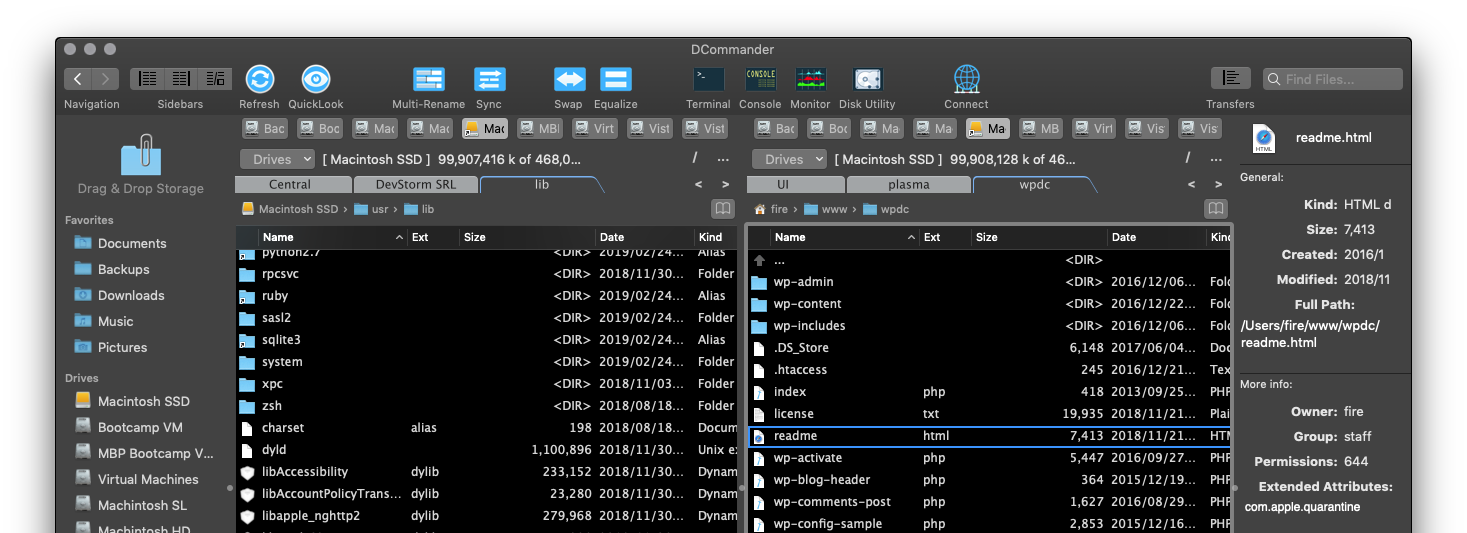
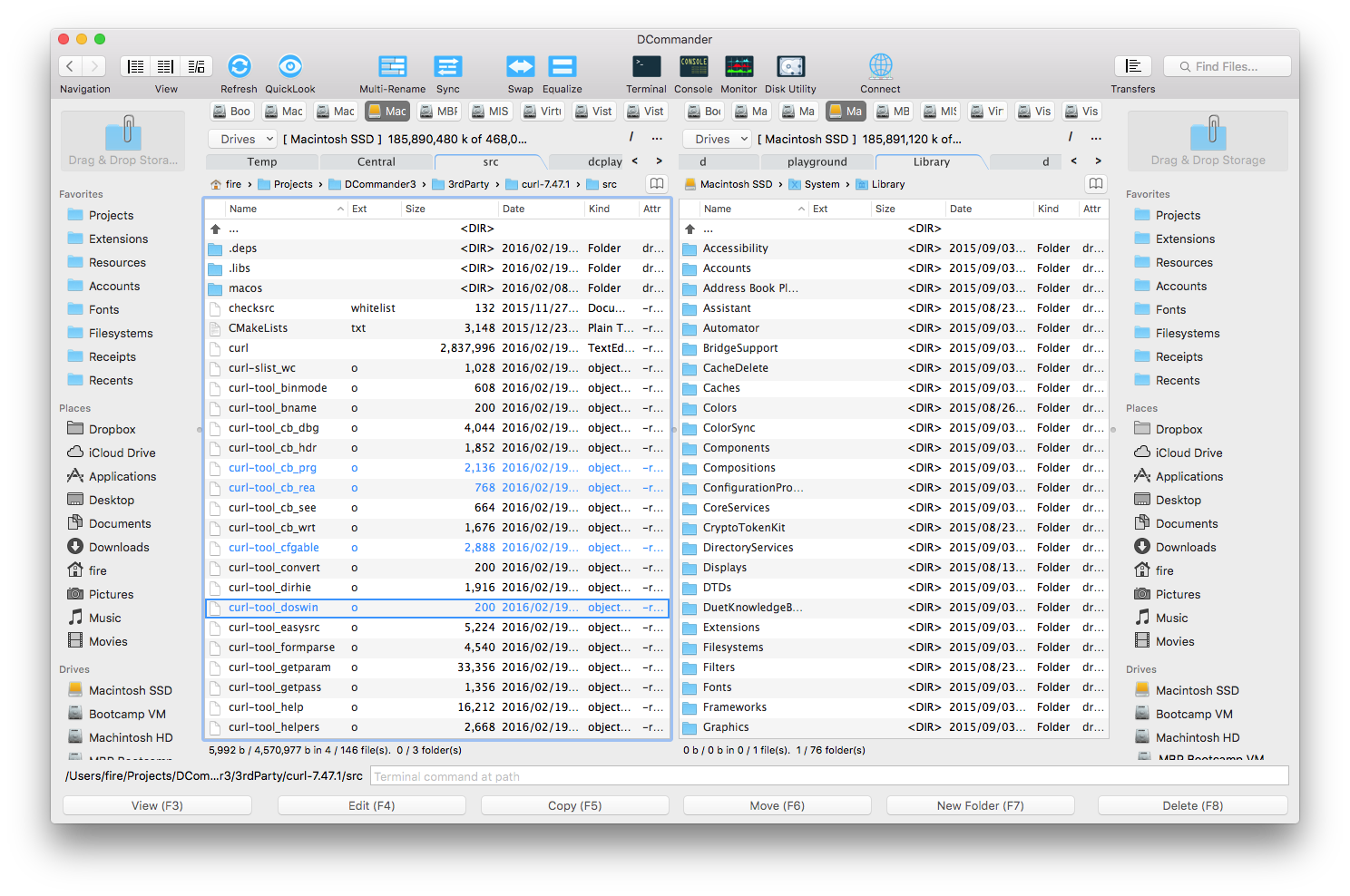
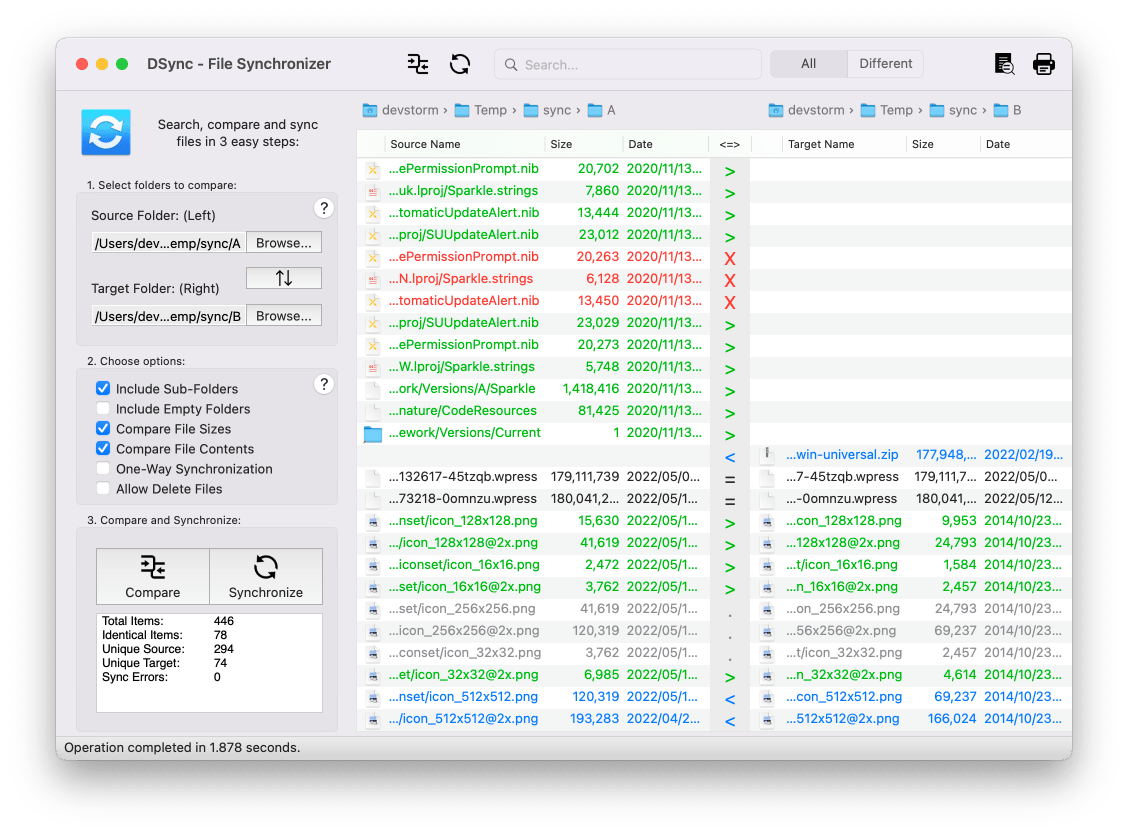
DCommander
Visit the DCommander page for more information


The next version update – DCommander 1.2 – has been submitted to Apple and is currently in review.

If you have any feature suggestions or bug reports for previous versions, Contact Us

DFind Mac


Only $4.99!
App Store


Description:

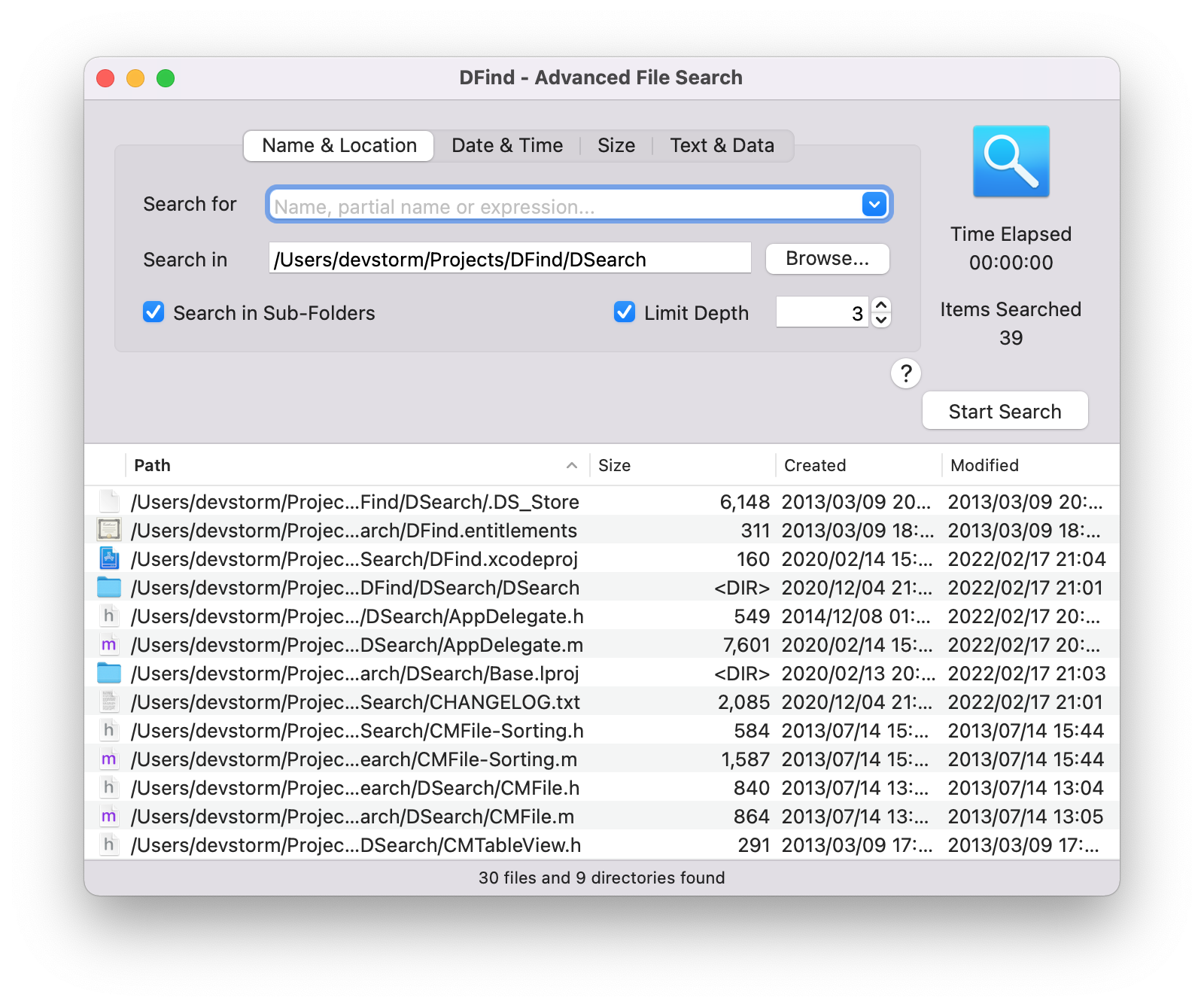
DFind lets you perform advanced file and folder searches on your Mac. Need to find all files containing a certain text? Need to find files created in the last hour? Need to find large files that take up all your disk space? Only remember the partial name of a file and don't know where it's located? Then DFind is for you!

Features include:
- full disk search that does not use the OSX spotlight index
- fast search algorithm
- search by name or partial name
- search for files containing a certain text
- search in specific locations
- search in sub-folders with the ability to limit depth
- filter searches by creation and modification date
- filter searches by minimum and maximum size
- QuickLook integration
- realtime search results display
- open items directly from DFind search results list
- ability to Copy and Move to Trash selected items
- ability to Copy Paths for selected items, resulting in a formatted text
- retina display support
- fast load time
- low CPU usage
- support for OSX 10.6 and newer
- FREE updates for all versions
And much more!

If you spot ANY bugs or glitches, send an email to contact@devstorm-apps.com as we cannot respond to AppStore reviews.

Additionally, if you have any feature requests send an email and all efforts will be made to have them integrated in the next release.
Thank you for your support!

Latest Release Notes:


Screenshots:


MenuTimer Mac

Rated 5 out of 5 by 6 users.

Free!
App Store


Description:

MenuTimer is an easy-to-use timing utility that lives in your Mac's menubar. It allows you to quickly monitor tasks with millisecond precision right from the convenience of your Mac's menubar!

Features:
- fast startup and minimal memory usage
- millisecond precision
- ability to toggle between second and millisecond precision
- persistent timer. You can quit the application, restart your Mac, even upgrade your OS and the timer will keep going. The timer keeps going even when the application is in the background, without consuming battery.
- ability to keep a log of previous runs
- OSX 10.6+ support

Latest Release Notes:

- added option to toggle millisecond precision
- if millisecond precision is turned off, MenuTimer takes less space in the menubar
- even less cpu usage while updating timer displays

Thanks to everyone who submitted feature requests!

Screenshots:


FaceShape Mac


Only $4.99!
App Store


Description:

You want to give your face balance. For this you have to consider the shape of your face.

With FaceShape you can easily figure out what the shape your face is. For this you only have to look in the mirror with your hair pulled back, so that the face is entirely visible.

This is a very friendly and easy to use application.

Each face shape has characteristics that will influence the way you look in regard to the style of your hair, makeup, eyeglasses, earrings and eyebrows. With this app you can view some guidelines that are meant to enhance the overall aspect of your face.

Features:
- tips for 8 different face shapes
- quiz to determine your face shape
- easy to use interface
- free updates

Feel free to experiment and make your own style!

Latest Release Notes:

- Fixed an issue with the quiz
- Fixed a minor UI issue

Screenshots:


MapScratch


Only $1.99!
App Store


Description:

MapScratch is a fun way to discover the location where an image was taken.
Simply choose the image and start "scratching" the map by touching the screen and swiping.

"MapScratch is a simple, easy to use application for travelers who want to visit a destination based on images" - applatter.com

Features:
- simple, easy to use interface
- ability to open the exact location in the Maps app
- ability to view FULL EXIF information for the selected picture
- ability to see the time and date when the picture was taken
- fast start-up
- works on iPhones, iPods and iPads with a single purchase

PLEASE READ: for MapScratch to be able to view location information from images, you need to allow it to use Location Services. If you do not allow it to use Location Services, it will not have access to the GPS information and as such cannot display the map location. MapScratch does not use or transmit any information from your pictures.

If you want to delete location data from your images, use our NoIMGdata app available for iPhone, iPod, iPad and Mac.

For any questions or suggestions, send an email to contact@devstorm-apps.com
Good reviews help support the development of MapScratch!

Latest Release Notes:

- NEW, added View EXIF dialog. Now you can view the FULL metadata in a user-friendly and easy-to-read format!
- NEW, improved user interface
- NEW, added message warnings if there are any errors encountered
- FIXED, a few minor bugs reported by users

Screenshots:


iPad Screenshots:


NoIMGdata

Rated 4.5 out of 5 by 17 users.

Only $1.99!
App Store


Description:

Protect your privacy!

Did you know that pictures taken with your iPhone, iPod or iPad also include GPS information? This allows anyone who knows how to view EXIF metadata to accurately pin-point where you were when each picture was taken, and even know what direction you were facing!

NoIMGdata easily allows you to REMOVE GPS information from any picture in your photo albums.


App Reviews:
"NoIMGdata is super easy to use and it works well. It supports the full 8MP resolution of the iPhone 4S." - lifeinlofi.com

"This app has just received an update, which is really quite extensive, take a look in What’s New below." - theappwhisperer.com

"NoIMGdata is an easy to use, mobile application that will allow you to protect your privacy quickly." - applatter.com

Features:
- easy to use 3 step interface
- removes GPS metadata by default for any image
- can be set to remove ALL exif metadata from images
- saves clean image to Camera Roll as a copy
- view EXIF information BEFORE and AFTER removing metadata
- view the exact location where an image was taken directly on a map and be able to pin it in the Maps app
- fast start-up
- works on iPhones, iPods and iPads with a single purchase

PLEASE READ: for NoIMGdata to be able to delete GPS information from images, you need to allow it to use Location Services. If you do not allow it to use Location Services, it will not have access to the GPS information and as such cannot delete it. NoIMGdata does not use or transmit any information from your pictures.

* Also available on the Mac AppStore *

For any questions or suggestions, send an email to contact@devstorm-apps.com
Good reviews help support the development of NoIMGdata!

Latest Release Notes:

Fixes for minor UI bugs you probably didn't even notice

Screenshots:


iPad Screenshots:


NoIMGdata Mac

Rated 5 out of 5 by 8 users.

Only $3.99!
App Store


Description:

Protect your privacy!

Did you know most pictures taken with modern cameras and phones also include GPS information? This allows anyone who knows how to view EXIF metadata to accurately pin-point where you were when each picture was taken, and even know what direction you were facing!

This app easily allows you to REMOVE GPS information from any image simply by drag&dropping it on the app's window or menubar icon. It will create a new image in the same location as the original one with a "_safe" suffix. You can also set it to overwrite the original image.


App Reviews:
"It’s very fast, extremely easy to use and pretty slick as well." - lifeinlofi.com

"This application provides an easy method to scrub the GPS data from images before uploading to social media sites or sharing images with people you might not feel comfortable knowing the location the image was taken." - question-defense.com


Features:
- easy to use drag&drop interface
- removes GPS metadata by default for any JPEG or TIFF image
- can be set to remove ALL exif metadata from images
- can be set to overwrite the original images containing the exif metadata
- fast start-up

* Also available on the iOS AppStore as a universal app *

For any questions or suggestions, send an email to contact@devstorm-apps.com
Good reviews help support the development of NoIMGdata!

Latest Release Notes:

- new user interface
- new icon
- speed up metadata removing
- added ability to drag&drop images to the menubar icon

Good reviews help support the development of NoIMGdata!

Screenshots:


iBrow


Only $3.99!
App Store


Description:

See what eyebrow shapes look good on you!

iBrow is an easy-to-use interface that lets you select, position and color new eyebrows on any picture.

Try out new eyebrow shapes today!

Features:
- 40 different eyebrow shapes
- 48 colors
- eyebrow shaping tips and instructions
- included sample model
- take photos from the library or from your camera
- save photos to your photo library
- share on Twitter or email
- new color picker allows you to color your eyebrows the way you want
- compatible with iOS 5 and iOS 6
- premium quality graphics
- easy to use interface
- runs on both iPhone and iPad with one single purchase
- FREE updates

Enjoy your new virtual eyebrows!

Good reviews help support the development of iBrow

Latest Release Notes:

Version 2.0 is finally here!
- new Eyebrow Tips and Eyebrow Shaping information
- 5 new eyebrow shapes
- brand new interface
- full color picker - choose from 48 colors available
- sharing ability - now you can post pictures on Twitter
- iPhone 5 support
- iPad support - if you already have iBrow on your iPhone, you can now install it on your iPad for FREE

Good reviews help support the development of iBrow!

Screenshots:


iPad Screenshots:


FaceShape


Only $2.99!
App Store


Description:

You want to give your face balance. For this you have to consider the shape of your face.

With FaceShape you can easily figure out what the shape your face is. For this you only have to look in the mirror with your hair pulled back, so that the face is entirely visible.

This is a very friendly and easy to use application.

Each face shape has characteristics that will influence the way you look in regard to the style of your hair, makeup, eyeglasses, earrings and eyebrows. With this app you can view some guidelines that are meant to enhance the overall aspect of your face.

Features:
- tips for 8 different face shapes
- easy to use interface
- runs on both iPhone and iPad with one single purchase
- free updates

Feel free to experiment and make your own style!

Latest Release Notes:

- support for iPhone 5
- support for iOS 6
- minor changes

Screenshots:


iPad Screenshots:


ZeroTimer

Rated 5 out of 5 by 13 users.

Free!
App Store


Description:

ZeroTimer does one thing and does it well: it lets you precisely measure the time it takes to do different tasks.

Each and every time, it starts counting from zero. This way you can have unlimited pauses between different runs.

Features:
- fast startup and minimal memory usage
- tap and hold the start / stop button to achieve better precision, as the timer starts or stops only when the button is released.
- persistent timer. You can quit the application, restart your phone, even upgrade your firmware and the timer will keep going. The timer keeps going even when the application is in the background, without consuming battery.
- individually delete any of the previous runs in the history view
- iPhone, iPod Touch and iPad support

Try it today!

Latest Release Notes:

- fixes another issue with landscape orientations not working on iPads with iOS 6.0 or newer
- fixes an interface graphic issue on iPhone 5
- startup speed improvements

Screenshots:


iPad Screenshots: